
1. Go to URL: https://pathreports.ucdenver.pvt/reportserver
2. Enter your University credentials to login (always start your id with UNIVERSITY\ )
a. Example: UNIVERSITY\wittmi
b. Screenshot with Google Chrome (browsers have different appearances for login)
i. 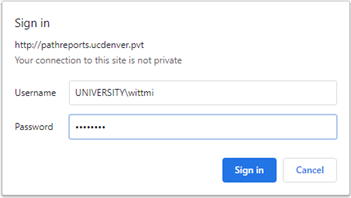
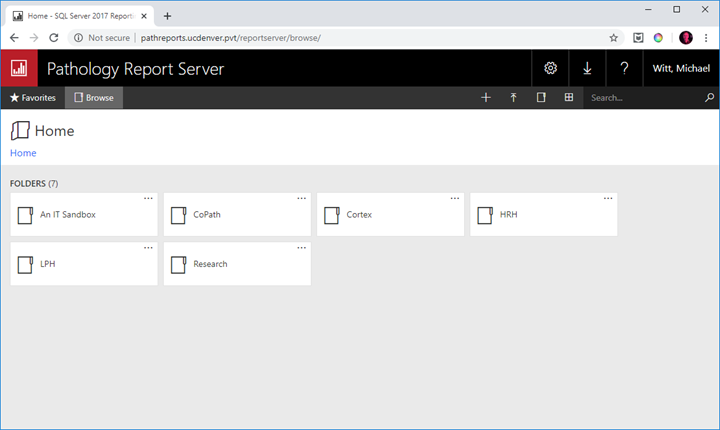
3. After successful login, the main Report Server Screen is presented. Please note that depending on your access you may not see all of the available Folders (such as are in the screenshot)
Comments
0 comments
Please sign in to leave a comment.