
If your having issues with Word opening documents from CoPath where it shows up as read-only, do the following:
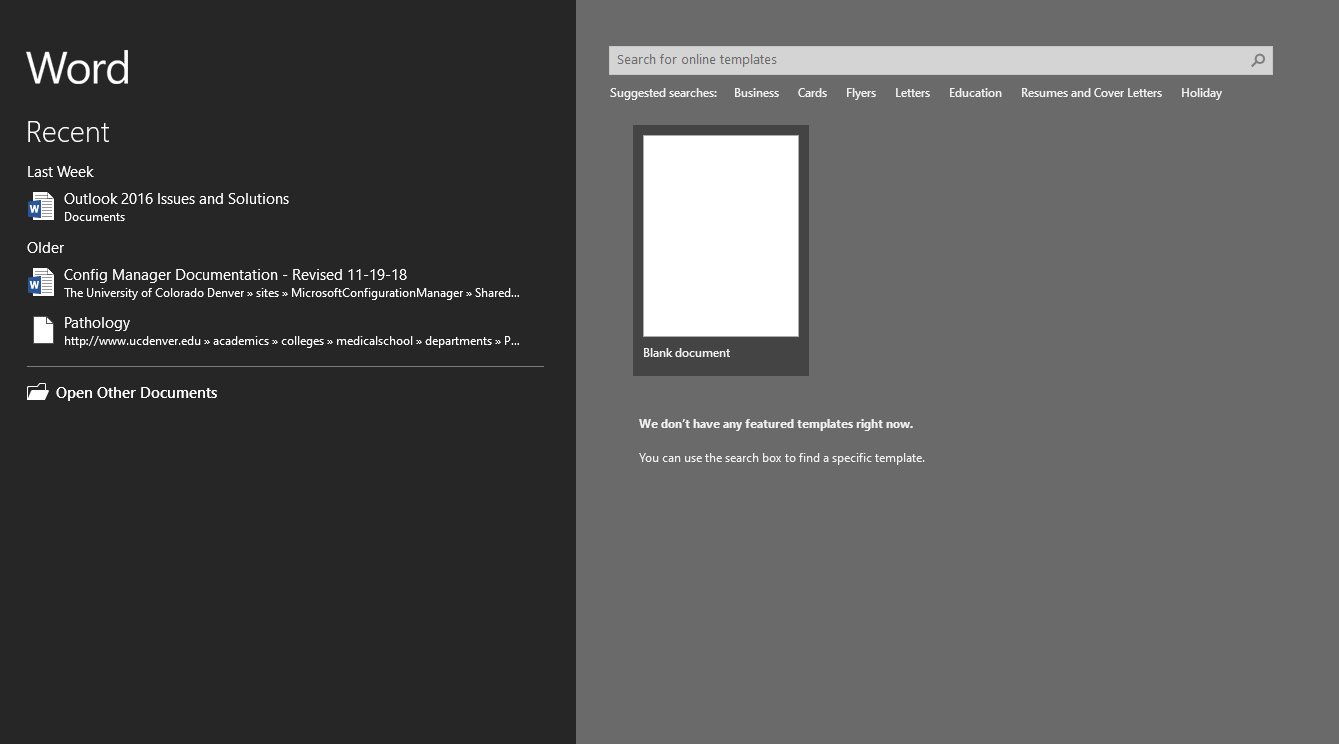
Open Word 2016 and a blank document outside of CoPath:
Once you have a blank document go to File --> Options:

Then uncheck the option for Open e-mail attachments and other uneditable files in reading view.
Comments
0 comments
Please sign in to leave a comment.