
Before anything, make sure your connected either physical cable or to the CU Anschutz Wifi that requires a login. Otherwise you'll need to connect via VPN which can be found here - *Insert VPN Article*
To start off use any of the usual web browsers, Chrome, Firefox, Safari, Opera, NetScape and navigate to https://copathtc.ucdenver.edu/RDWeb.
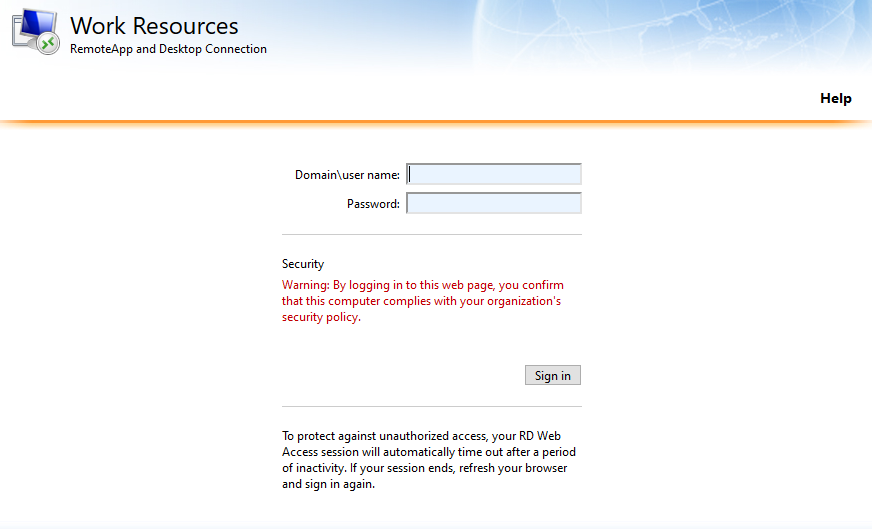
Here you'll need to enter university\username and then your password

Then choose the Live CoPath Icon
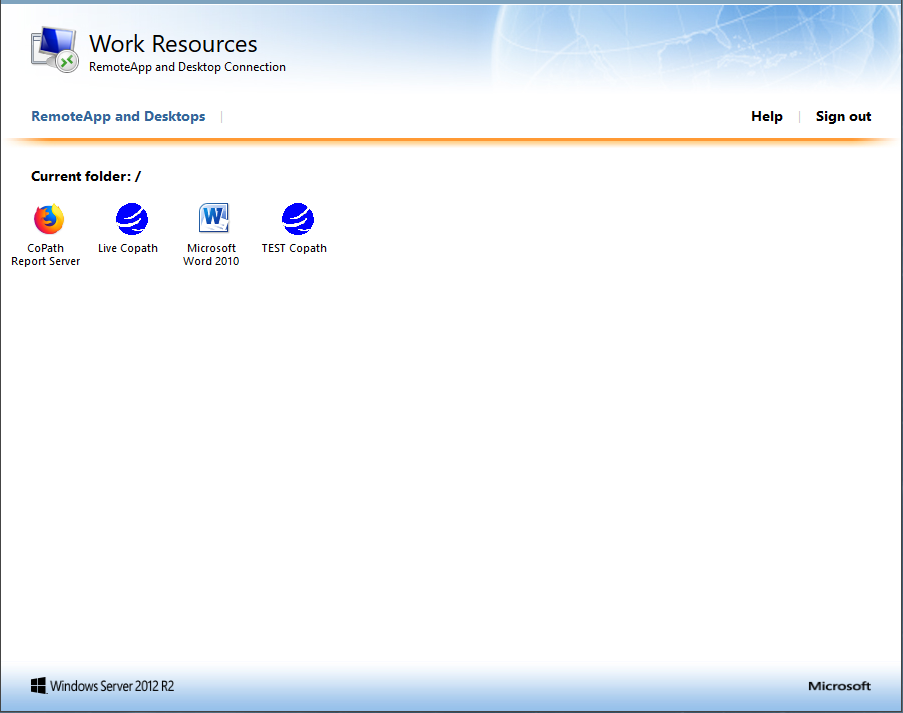
From here you will be prompted to download the connection. Once clicked on:
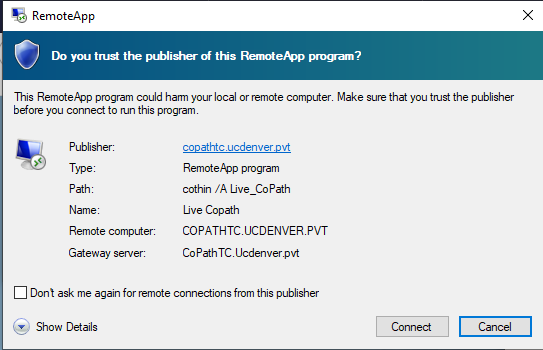
Go ahead and choose Connect. You can also choose to check mark the box if you don't want the pop up in the future.
Now log in one more time:
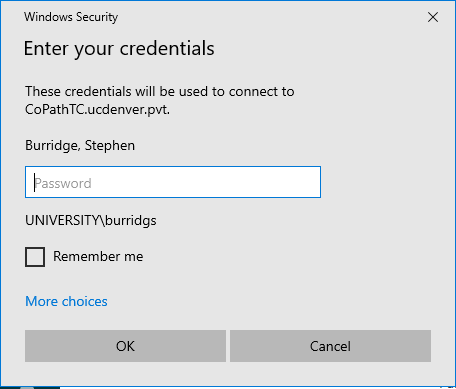
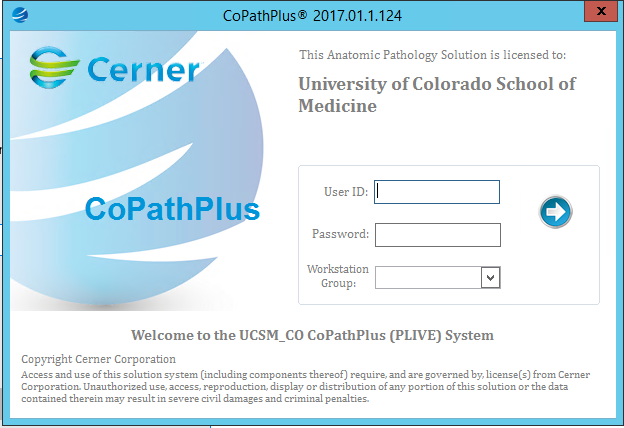
Then log into CoPath
Comments
0 comments
Please sign in to leave a comment.