
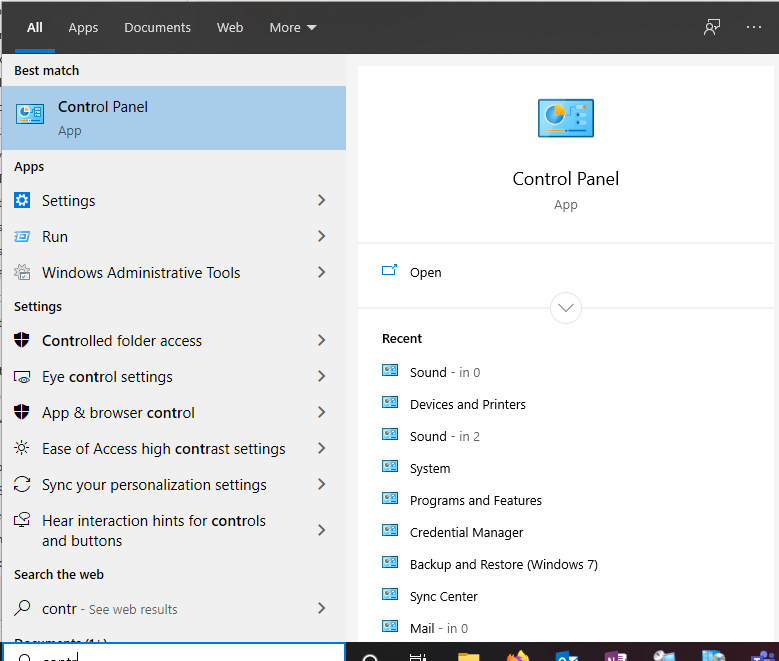
First go to Control Panel:
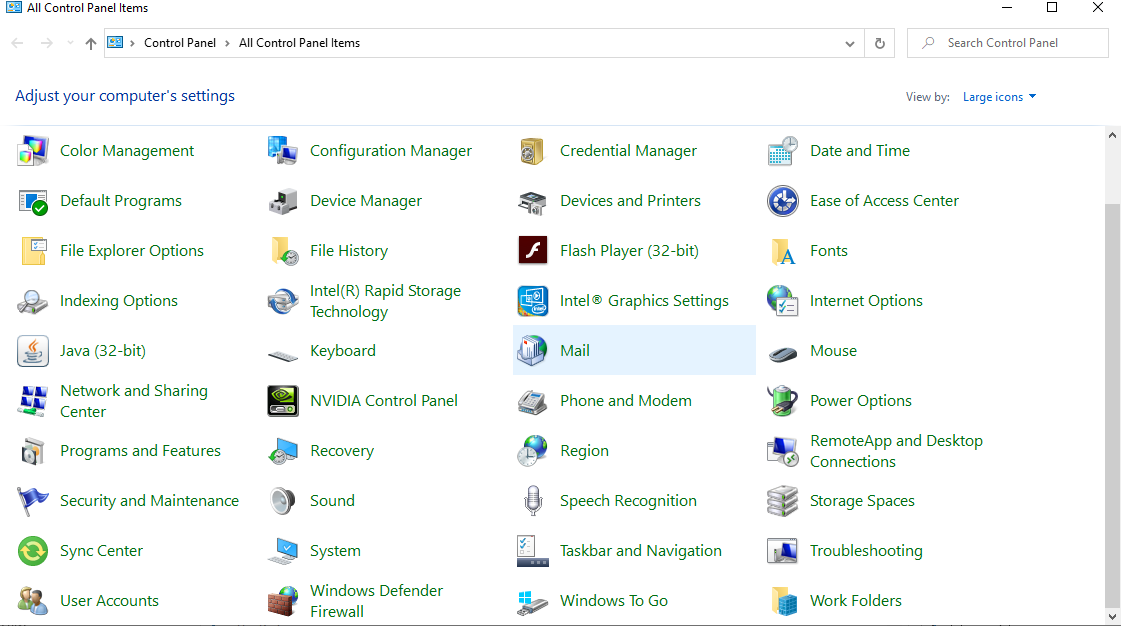
Go to the top right and change View By: to Large Icons. Then the mail icon:
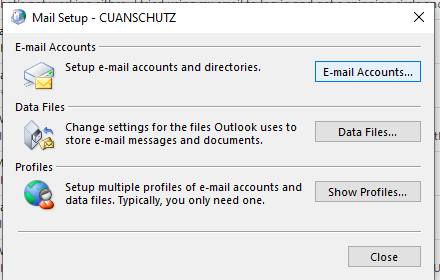
Then show profiles:
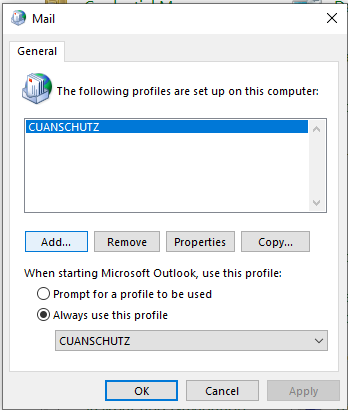
Then click on add:
New Profile name:
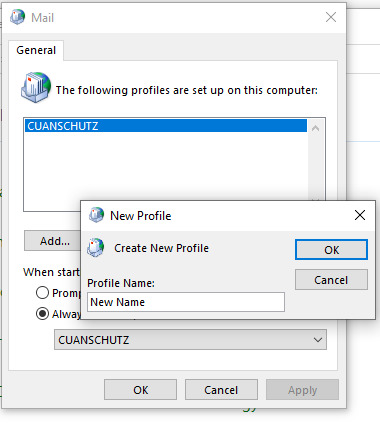
Then next your way through it.
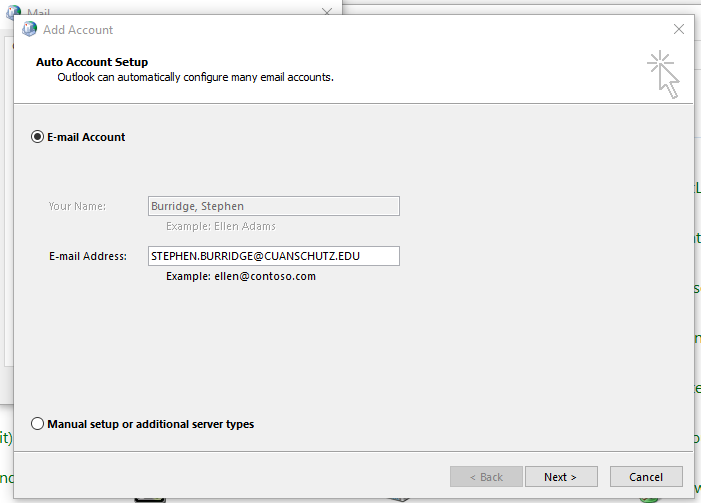
Once completed go back into Control Panel --> Mail and choose the new profile to open Outlook with.
Comments
0 comments
Please sign in to leave a comment.