
Click on File

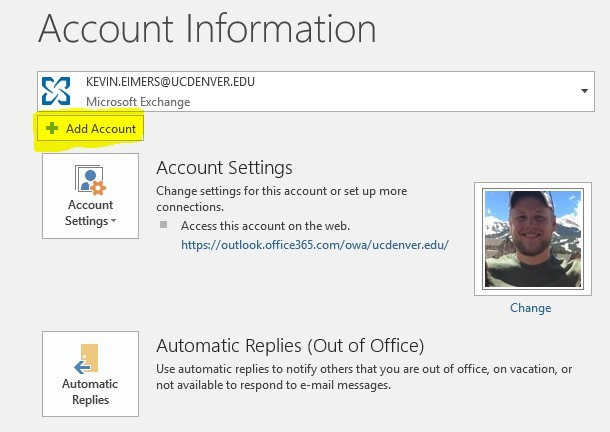
2) Click on Add Account
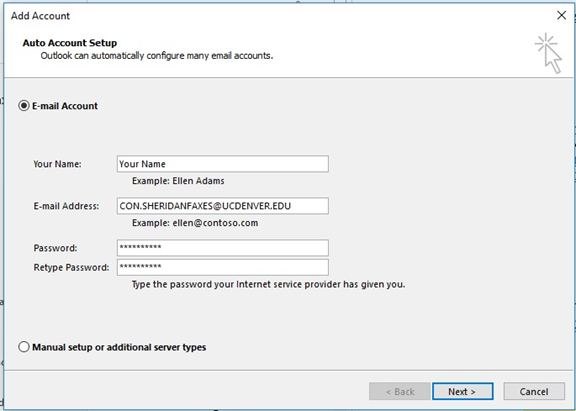
3) Fill out the information as seen in the screenshot (if you are trying to add a different e-mail address, please do not put con.sheridanfaxes and instead add the mailbox you are trying to add)
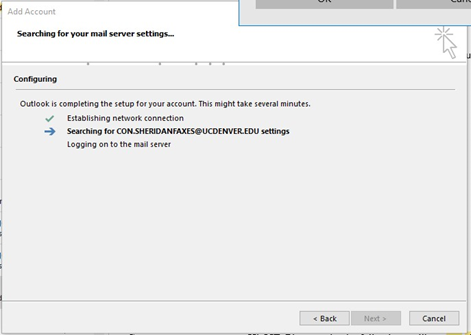
4) Outlook may take a moment to configure your mail server settings…
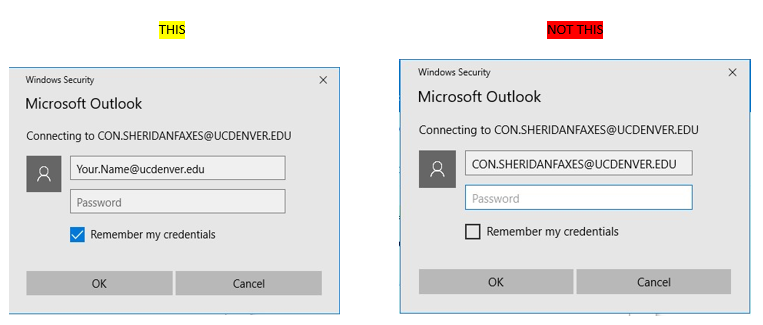
5) A popup box will appear requesting YOUR CREDENTIALS. Delete the mailbox name and add your personal e-mail address.
6) Restart Outlook for changes to take effect
7) Locate the mailbox to ensure it is there
Comments
0 comments
Please sign in to leave a comment.