
- Click on Start
- Search for Default Apps
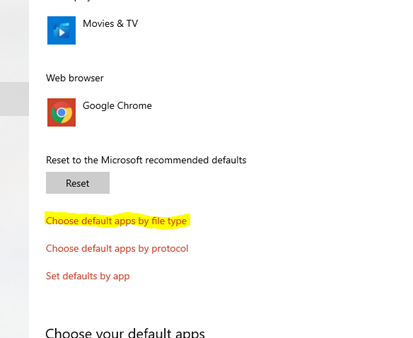
- Scroll down the page and find “Choose Default Apps by File Type” and click on it
4. Scroll all the way down the page until you find .PDF. You will need to change this to Adobe.
5. Click on “Switch Anyway” to change it to Adobe permanently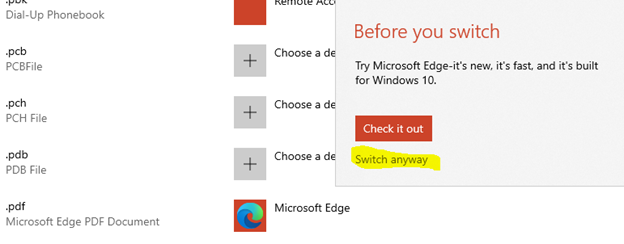
6. Adobe should now be your default PDF application

Comments
0 comments
Please sign in to leave a comment.