
Setting default printer.
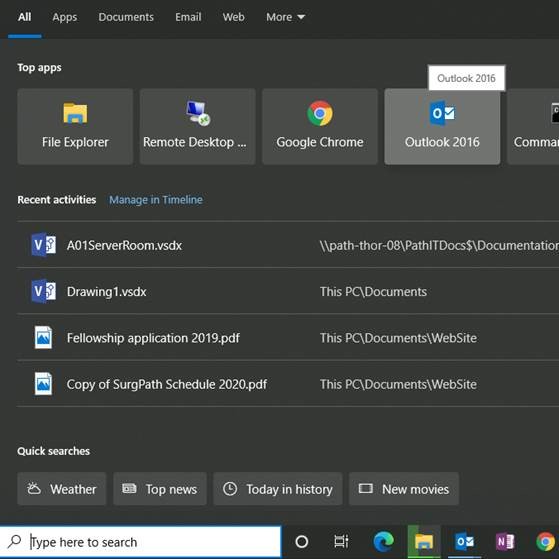
Start by clicking in the search field.
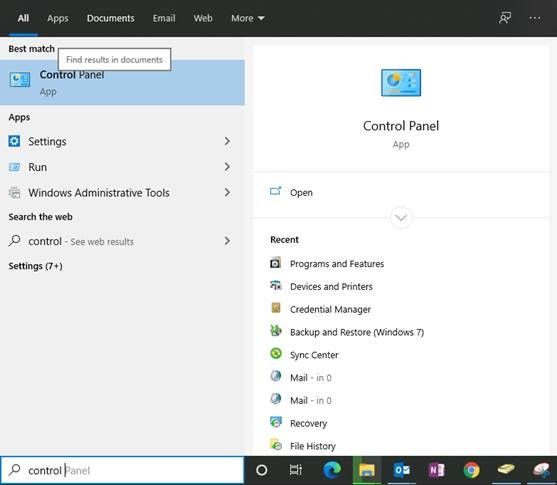
Search for control panel and choose it in the options.
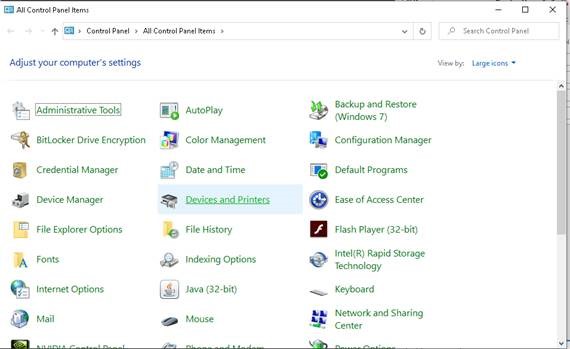
Make sure View by: is Large or Small Icons. Then choose Devices and Printers
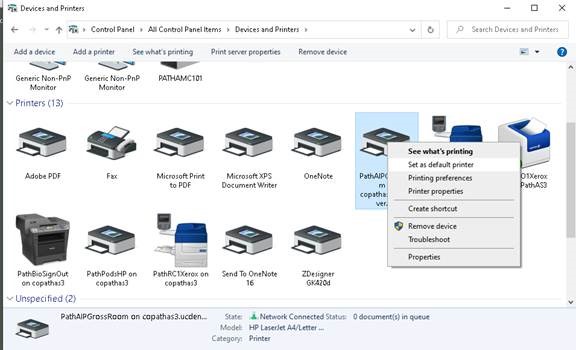
Right click on a chosen printer and set as the default.
Comments
0 comments
Please sign in to leave a comment.