
First is to open the File Explorer icon in the task bar at the bottom:
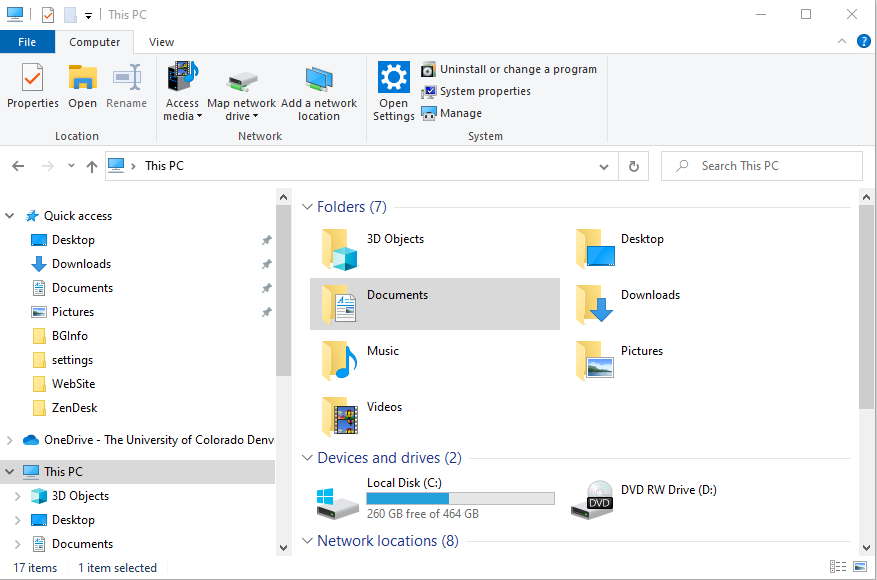
It will give you the file explorer window:
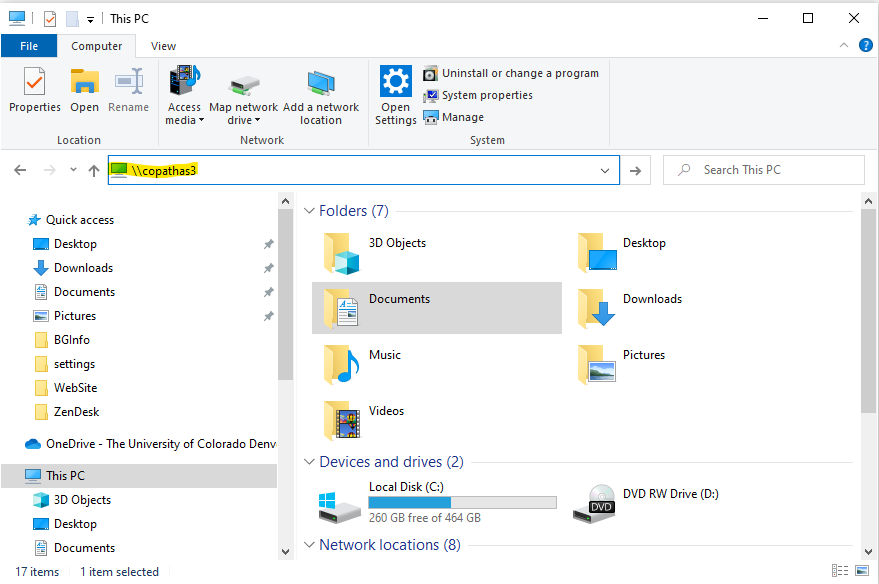
In the file explorer bar replace This PC with \\CoPathAS3
This will now list all the printers available to you within the Pathology Department and each building that printers are connected to the network.
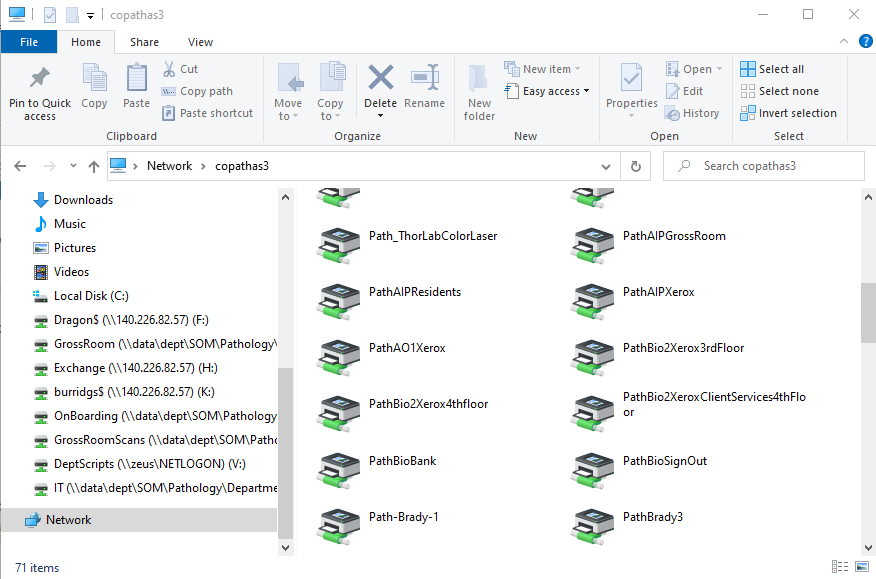
Next is to double click on the printer to install it and you'll be good to go.
Comments
0 comments
Please sign in to leave a comment.